Upload SSH key to dashboard
This step only needs to be performed once. After your key has been uploaded, it will remain stored on the platform.
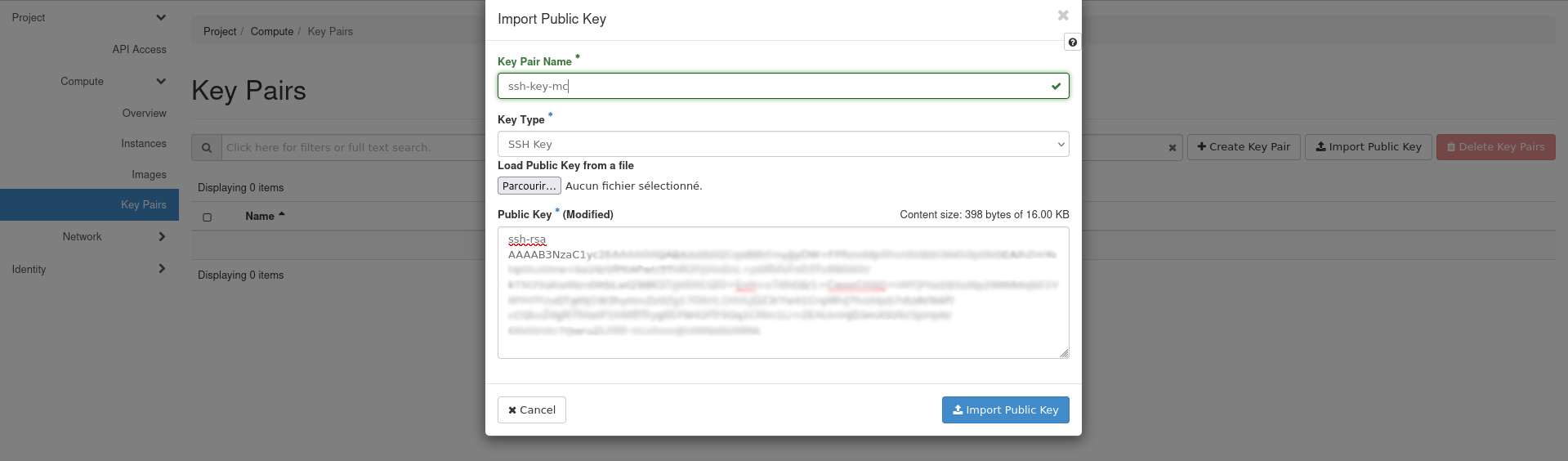
Go to the Compute menu, select Key Pairs and click  . Choose a name for your key and select
 SSH Key in the Key Type field. You can either upload a file or paste the content of your public key. Confirm by clicking  .
.